Meta Muse Image Video Workflow
Create Muse Video assets from prompts, images, references, and Muse Image story frames. This Meta Muse Image workflow supports text-to-video and image-to-video creation for ads, social clips, cinematic previews, product motion, and storyboard testing.
✨ Heads up: Muse Video is compute-intensive right now. Higher-tier plans give you more value per credit.
Content Safety Notice
The system periodically reviews all generated content, and non-compliant content will be removed. Please note that accounts containing extreme content, such as anti-human or anti-social material, may be banned. Thank you for your understanding and cooperation.Click to view content policy
Muse Video Status
Image 1
@Image 1, friendly and joyful atmosphere, then the screen gradually blurs, displaying the text "Joy is in Muse Video" in the center.Image 1
@Image 1 are jogging on a school track in sportswear. The girl looks at the boy and says confidently: "We can definitely do it!" Cut to a close-up of the boy, who hesitantly replies: "Are you sure?" Cut back to a medium close-up of the girl, who says cheerfully: "Yes!" The mood is bright and determined. Speech bubbles appear around the speaking character with the dialogue.Image 1,2,3
Storyboard
Explore stunning videos generated by Seedance 2
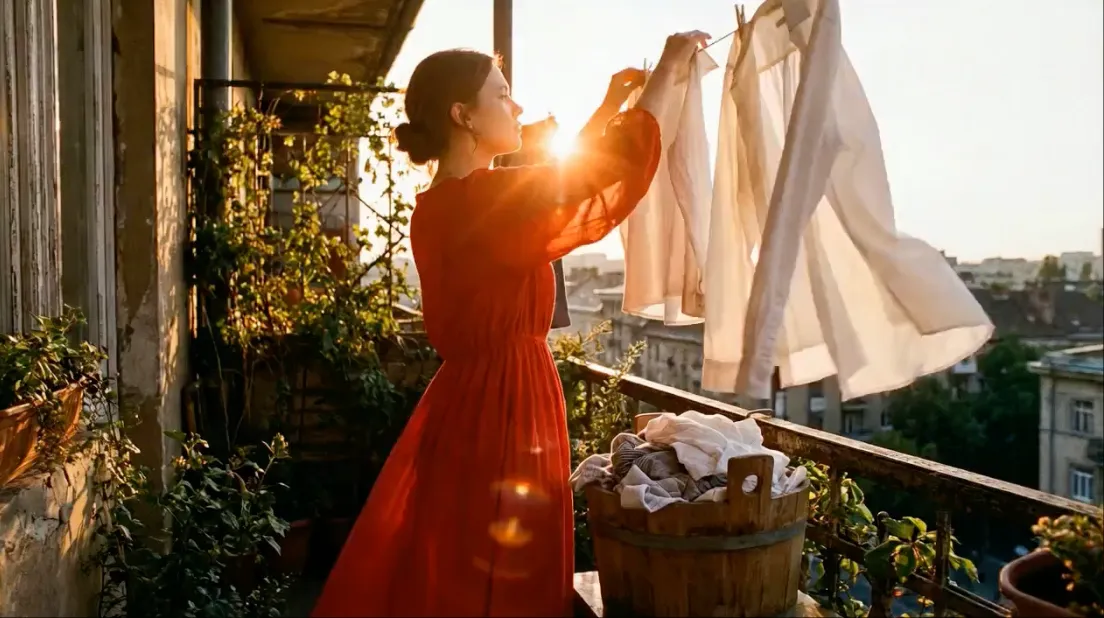
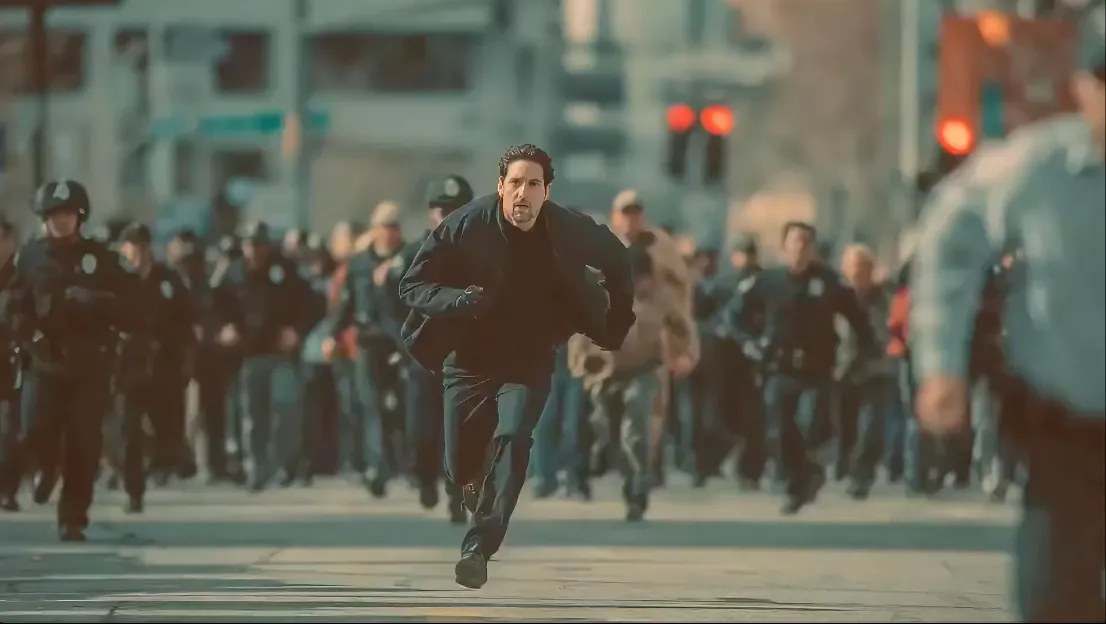
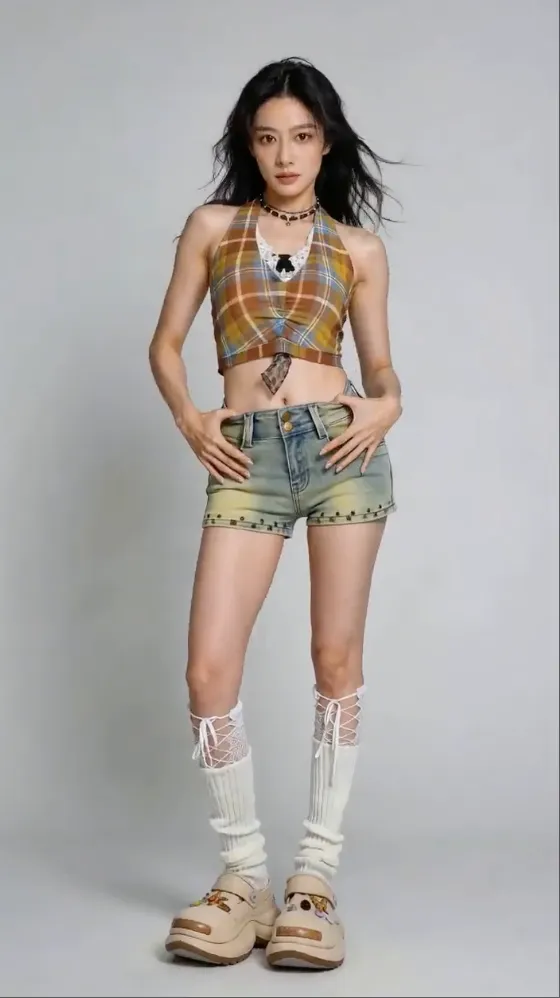
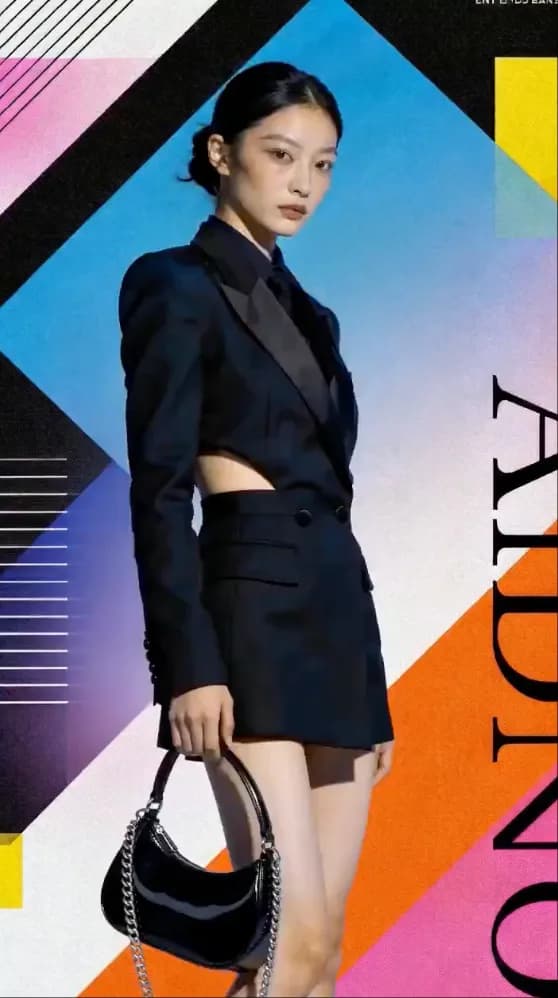
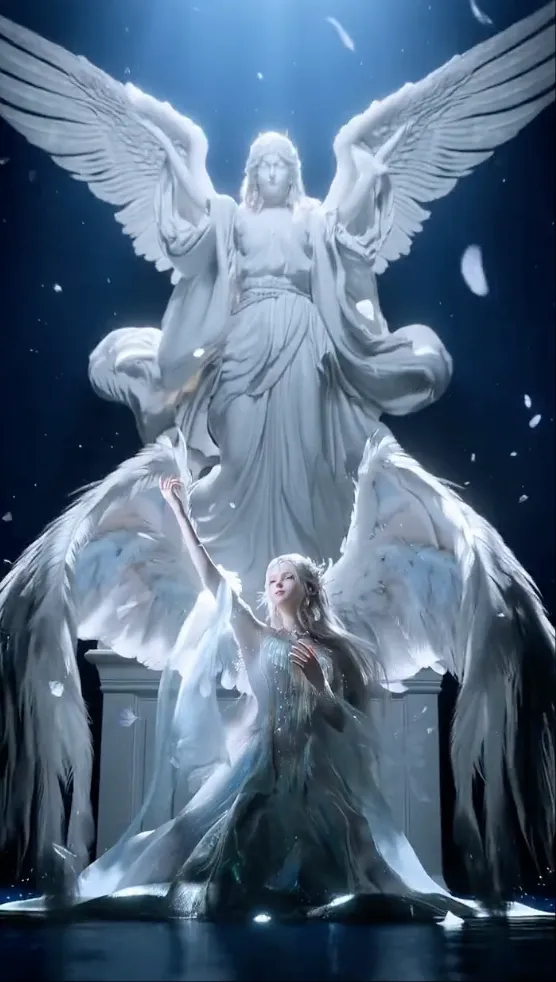
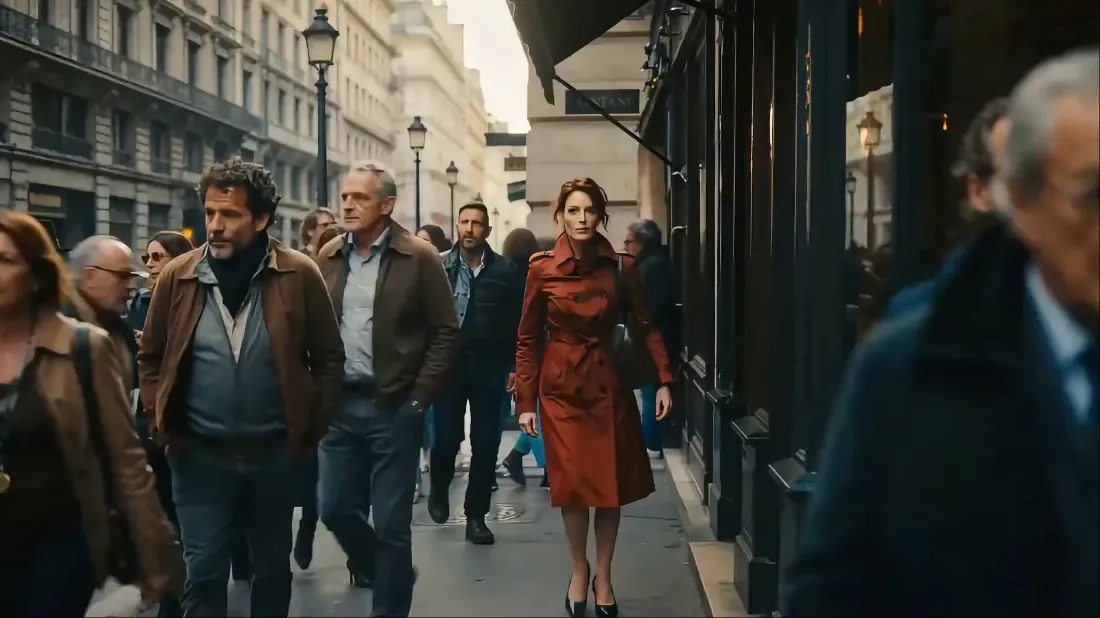
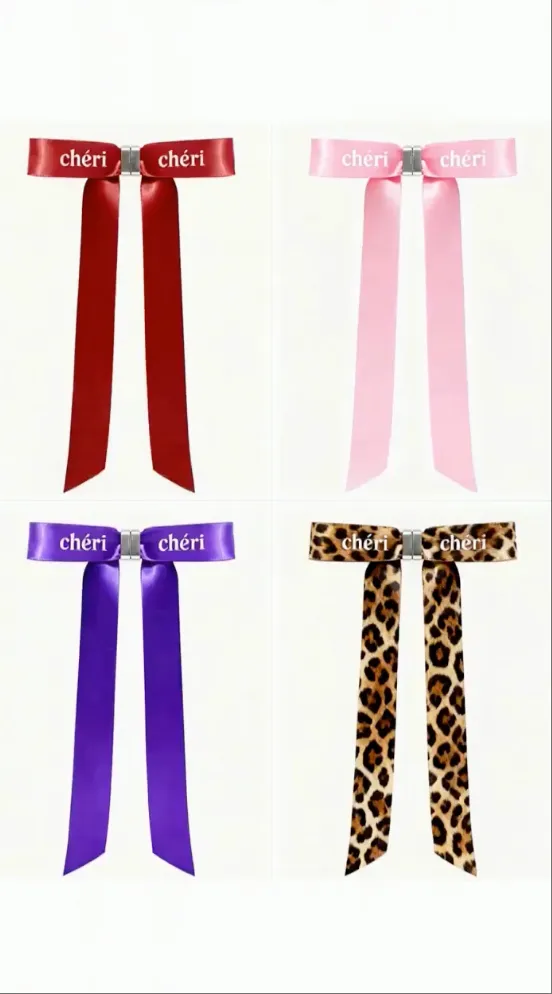
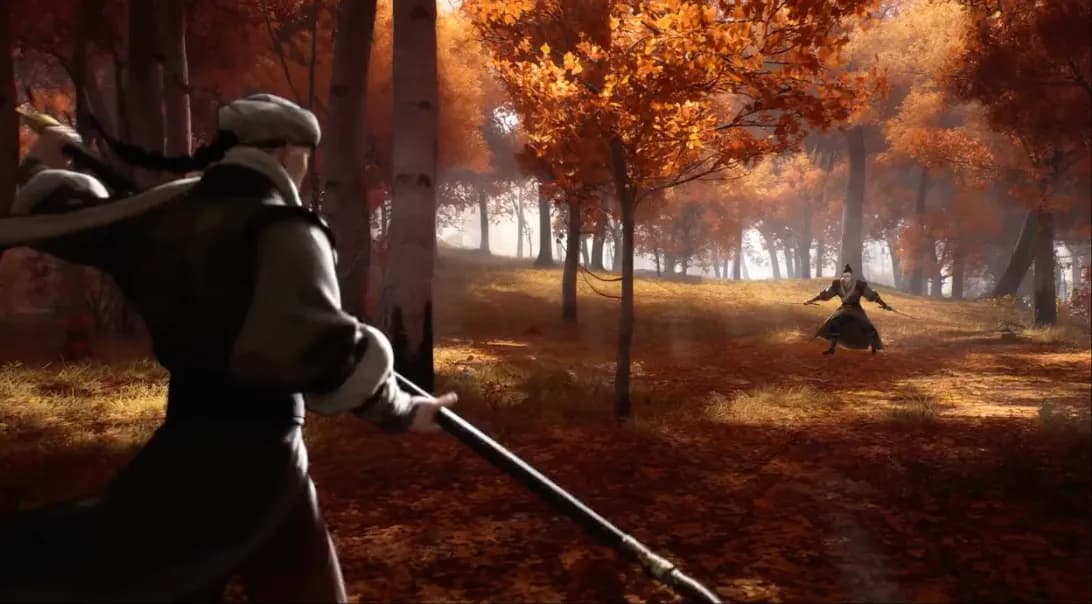
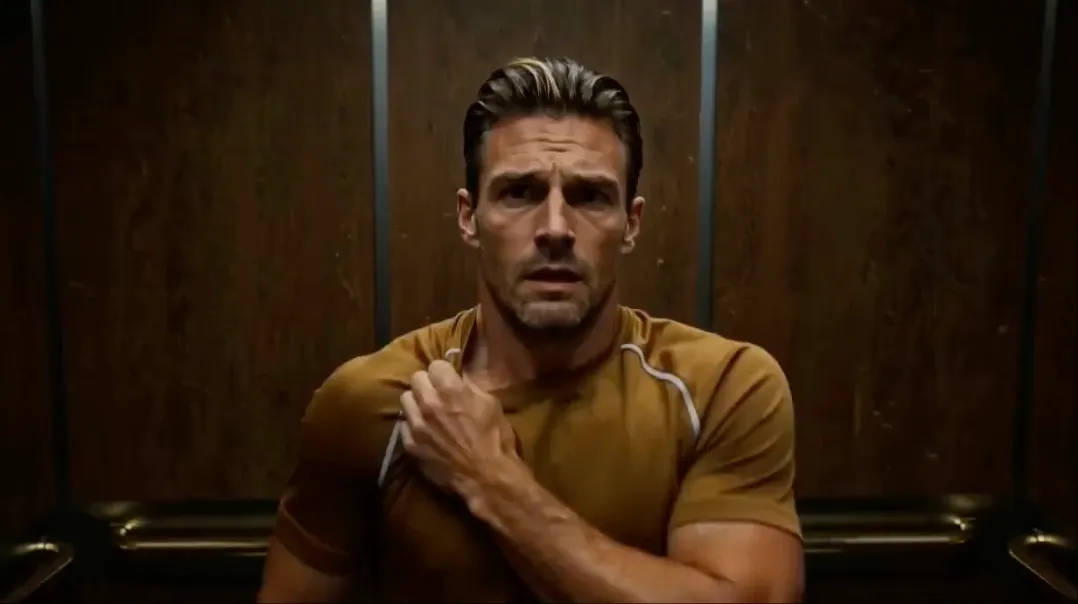
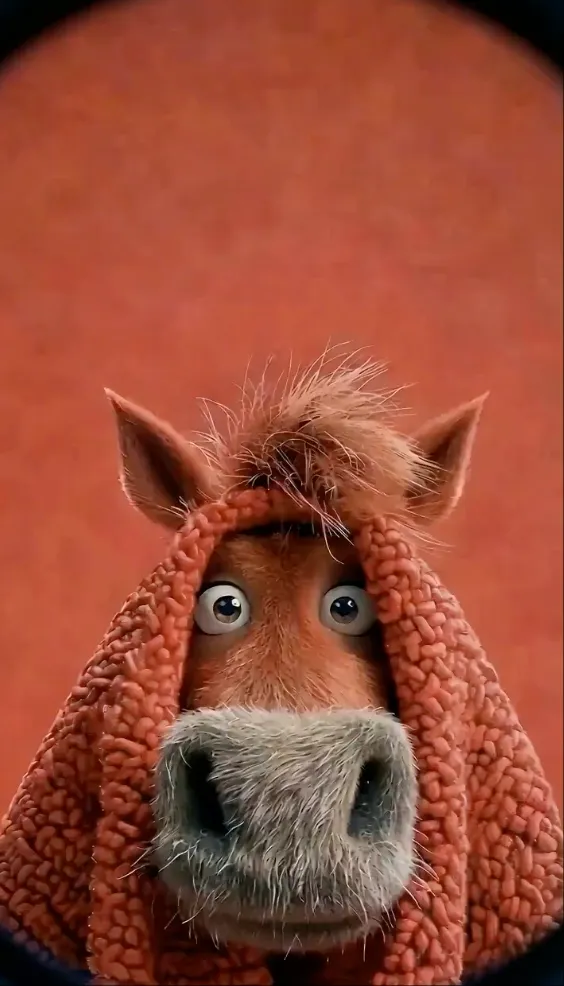
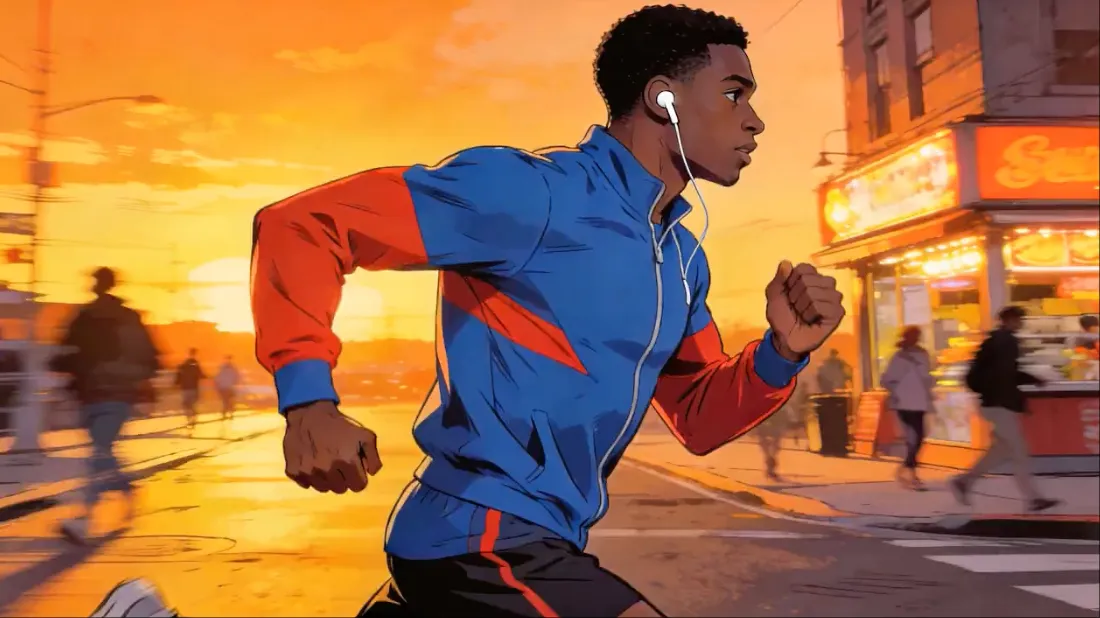
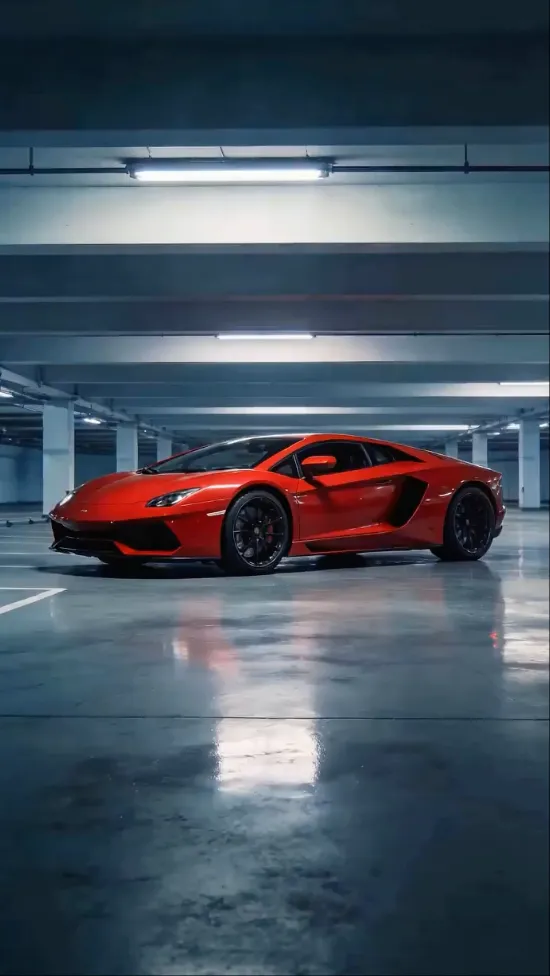
Muse Video brings Meta Muse Image video workflows into one practical workspace for prompts, reference images, audio, flexible duration, and platform-ready output.
Muse Video can generate synchronized audio for your videos, creating a complete audiovisual experience. Enable audio generation to add natural sound effects and ambient audio that matches your video content, perfect for social media and professional content creation.
Create videos from pure text prompts or transform static images into dynamic motion sequences. Muse Video supports both text-to-video and image-to-video generation, with the unique ability to use 1-2 images for start-to-end frame animation, creating smooth transitions between keyframes.
Generate longer videos with durations of 4, 5, 8, 10, 12, or 15 seconds. Muse Video offers flexible duration options to match your content needs, from quick social media clips to longer narrative sequences with consistent quality throughout.
Choose from multiple aspect ratios (16:9, 9:16, 1:1, 4:3, 3:4, 21:9) and resolutions (480p, 720p, 1080p) to create videos optimized for any platform. Whether you're creating content for TikTok, Instagram, YouTube, or cinematic presentations, Muse Video has you covered.
Create AI videos with Muse Video in a simple three-step workflow.
Select text-to-video mode to describe your scene with detailed prompts, or choose image-to-video mode to upload 1-2 reference images. In image-to-video mode, you can upload a single image for animation or two images for smooth start-to-end frame transitions.
Customize your output by selecting aspect ratio, resolution (480p, 720p, or 1080p), and duration (4s, 5s, 8s, 10s, 12s, or 15s). Enable audio generation for synchronized sound effects. Use the fixed lens option to maintain camera stability throughout the video.
Click generate and let Muse Video Process your request. The model will create your video with optional audio, maintaining visual consistency and smooth motion. Preview the result and download your high-quality video ready for any platform.
Everything you need to know about models, media uploads, credits, and channels.
Use our AI image prompt gallery to design scenes and characters, then bring them to life with Muse Video.
Browse AI image prompts →